Templates
Start from a working application.
Not a mock-up and not a theme. A template is a complete application — data, pages, security, workflows and tests — that runs the moment you create it, and is yours to change from the first line.
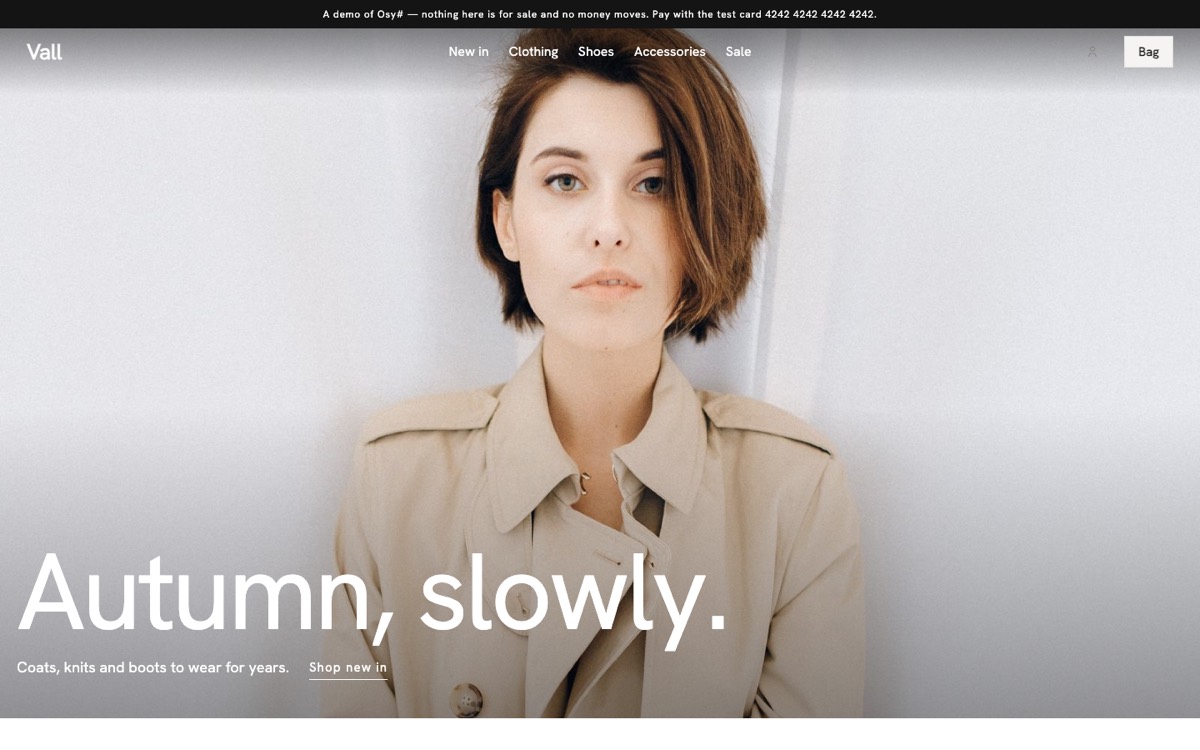 Website
Online shop
Catalogue, accounts, card payments, returns, stock and a staff desk — with eleven looks to start from.
Website
Online shop
Catalogue, accounts, card payments, returns, stock and a staff desk — with eleven looks to start from.
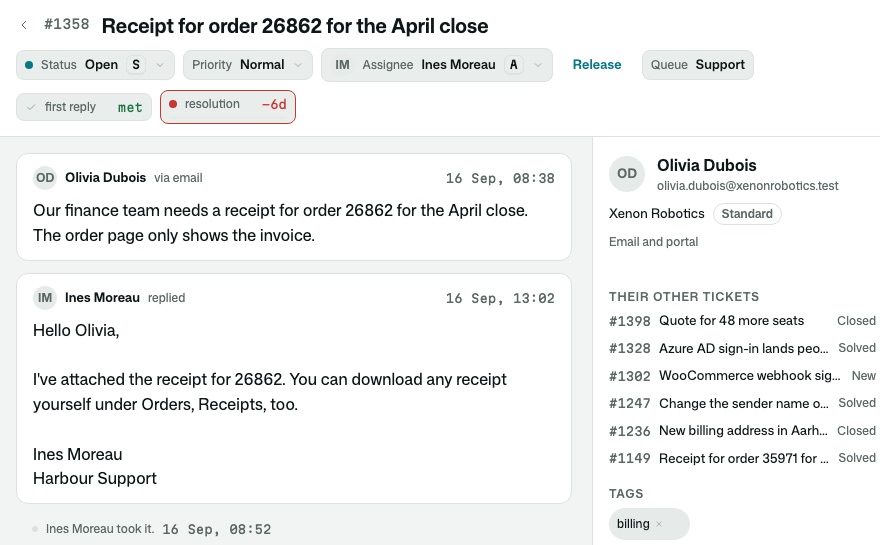 Business app
Helpdesk · Harbour
Mail, text and chat in one thread, queues and service levels, a keyboard-first desk and a customer portal.
Business app
Helpdesk · Harbour
Mail, text and chat in one thread, queues and service levels, a keyboard-first desk and a customer portal.
Coming
- WebsiteBookings & servicesAppointments, staff calendars and reminders.
- WebsiteRestaurantTables, menus and orders.
- WebsitePortfolioYour work, and the enquiries it brings.
- Business appHiringCandidates through stages, interviews and feedback.
- Business appPurchase approvalsRequests, approvers, delegation and the books.
- Business appCRMAccounts, people, deals and the pipeline.
- Business appPersonal research assistantThe companies and topics you follow, kept up to date.
Built from kits
Every template is a thin layer over kits.
Kits are finished pieces of an application — data, security, workflows, screens and tests, done once. A template adds what makes it a shop or a helpdesk; the rest it inherits, and so does the application you make from it.
Online shop 15 kits
Helpdesk 22 kits
- Inbox
- Conversations
- Privacy
- Composer — writing a reply
- Conversations by mail
- Knowledge base and help centre
- Agents
- Accounts
- Automations — rules that do the routine work
- Reports — build them, share them
- Collaboration
- Conversations by text
- Notifications
- Organizations — customer accounts
- People
- Fields — custom fields and forms
- Gmail mailbox
- Invitations
- Mail receiving
- Organizations
- Privacy for conversations
- Webhooks — tell other systems, signed
Agents compose the kits and write what makes your application different.