Template · Online shop
A real online shop, yours to change.
Catalogue, customer accounts, card payments, returns, stock and a back office for your staff — tested, running, and written in plain code you own. Pick a look, put in your products, and open for business.
Pick a look
Eleven looks on one backend.
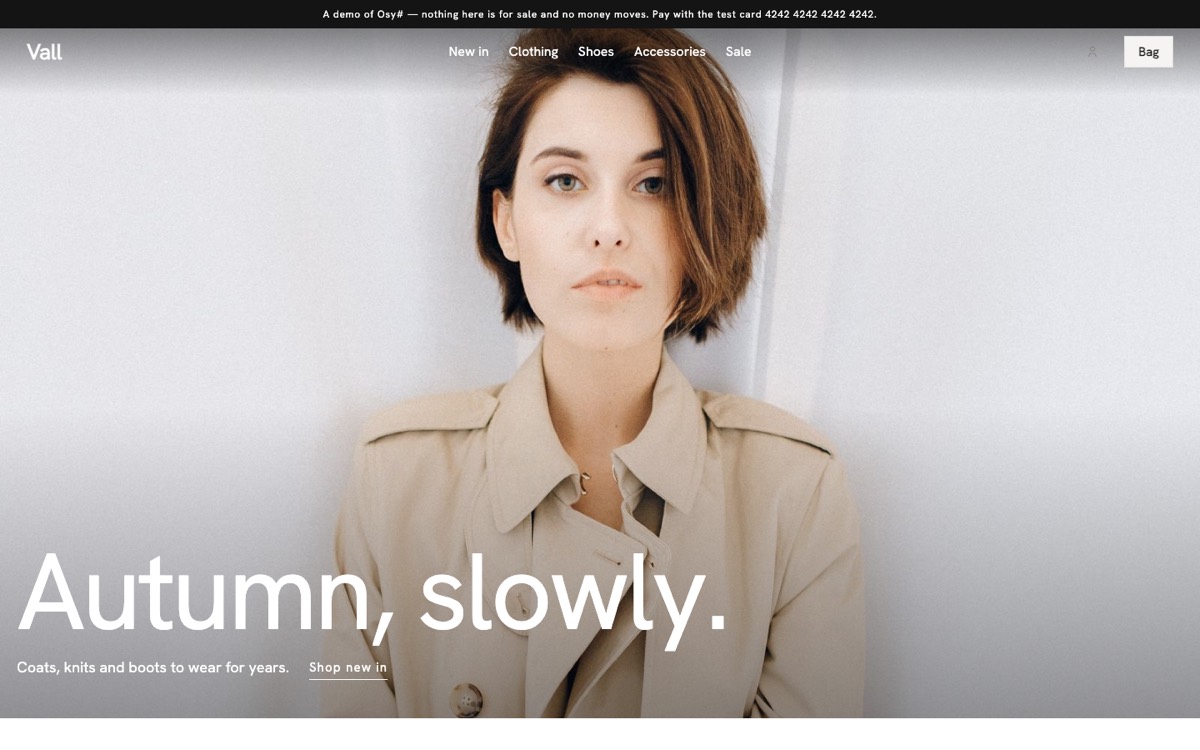
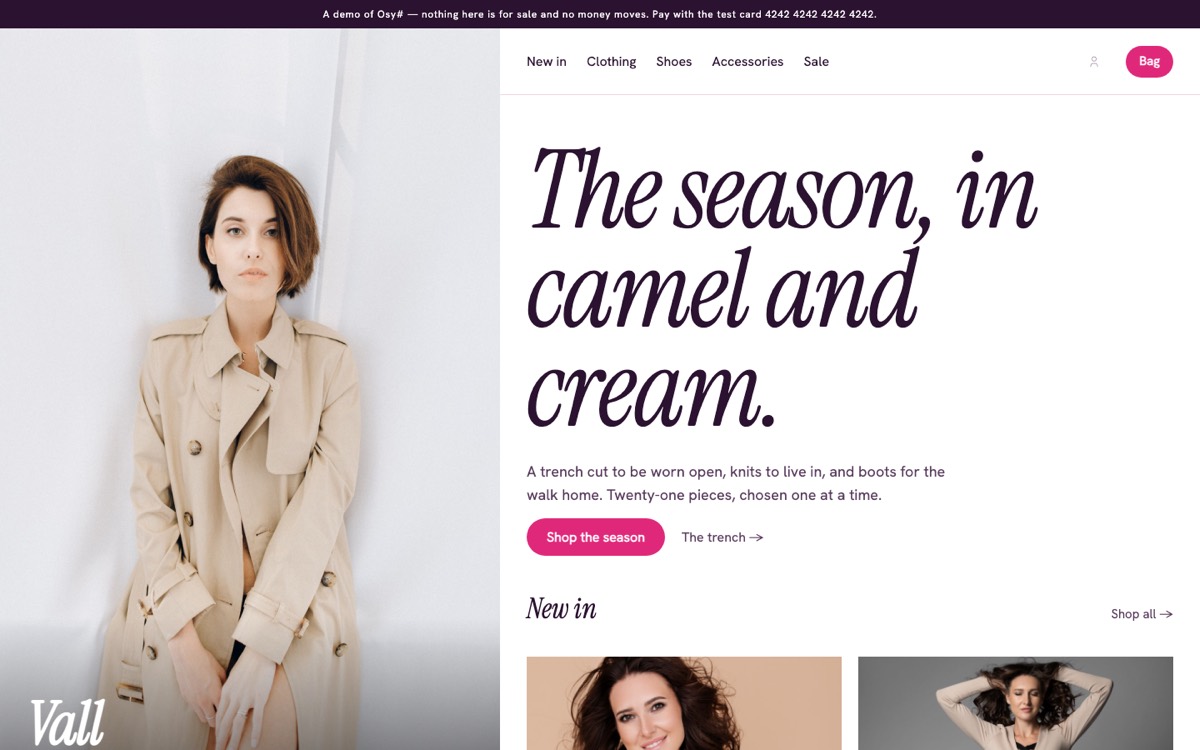
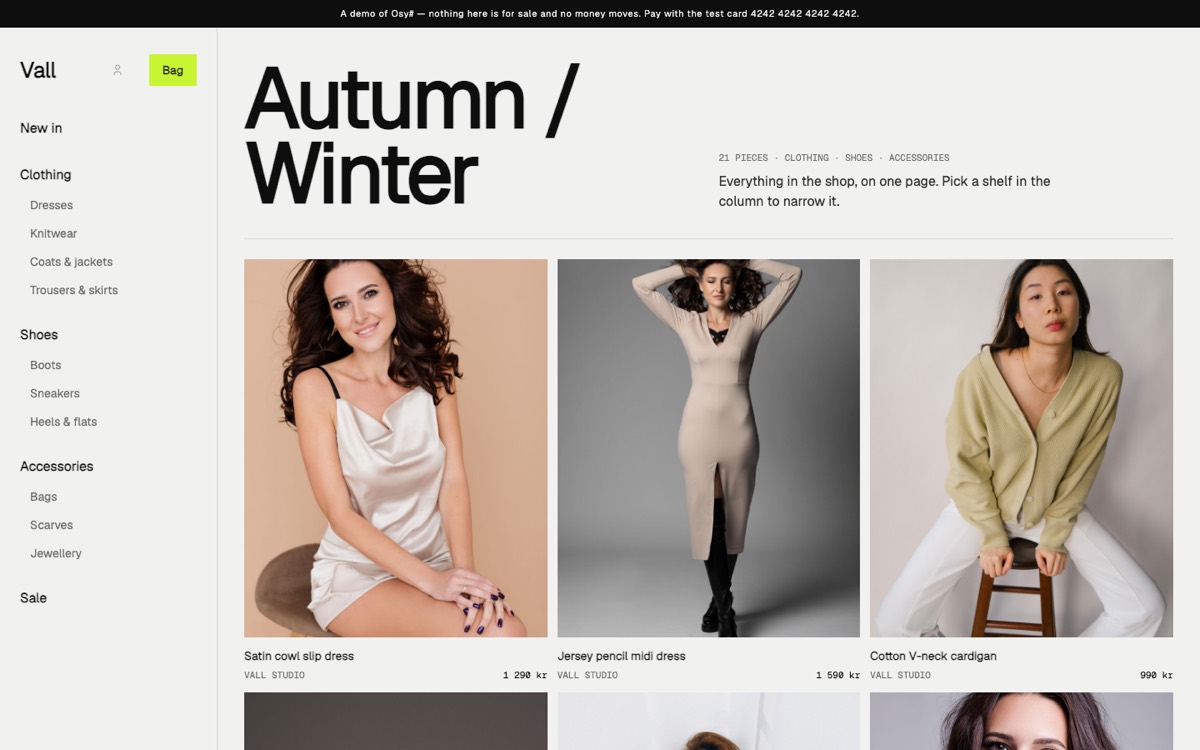
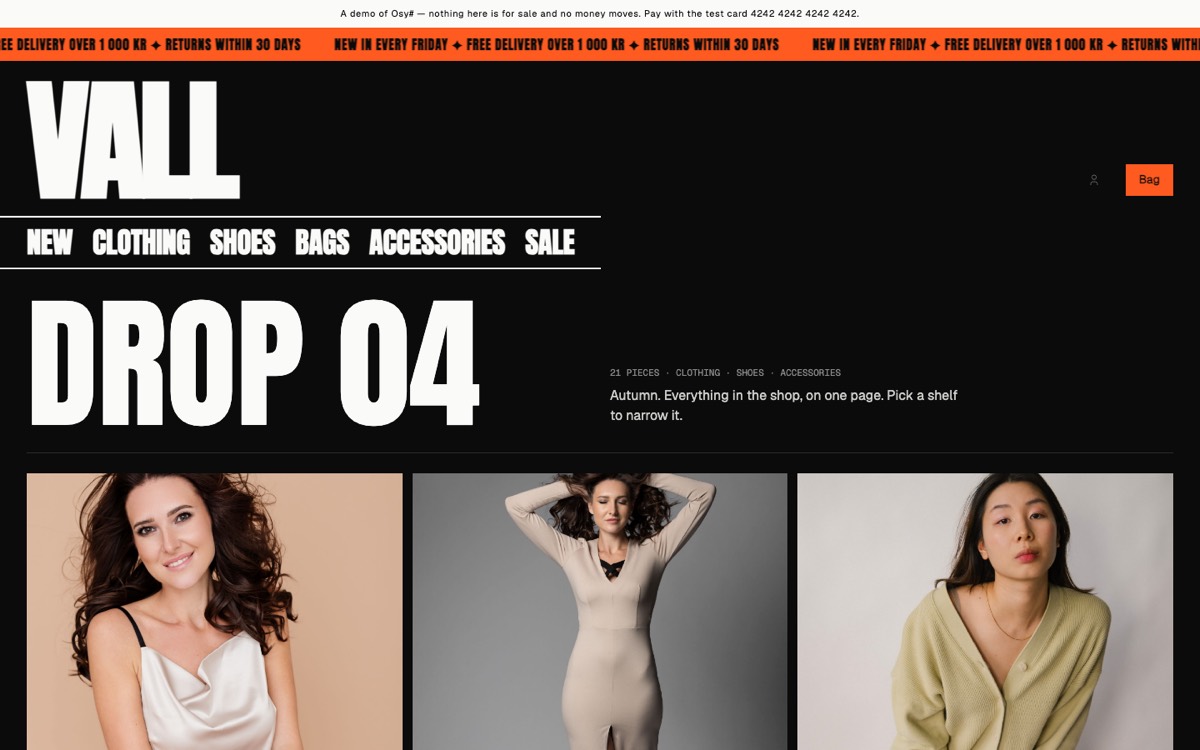
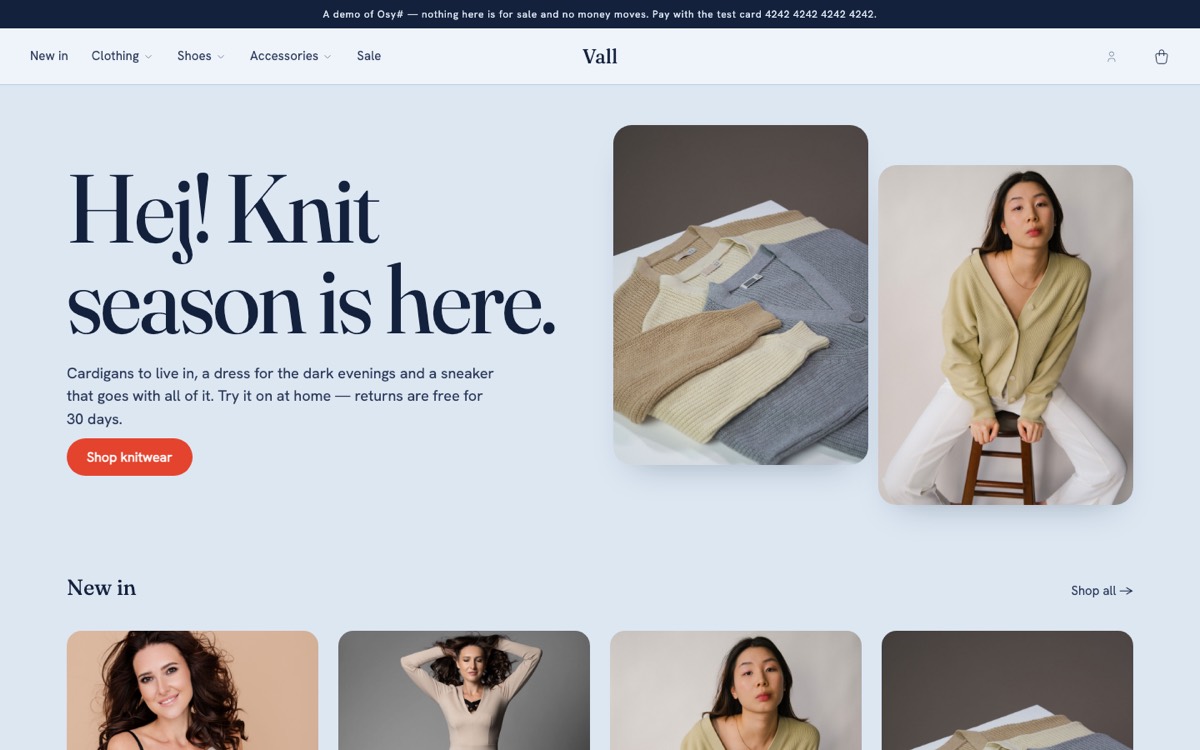
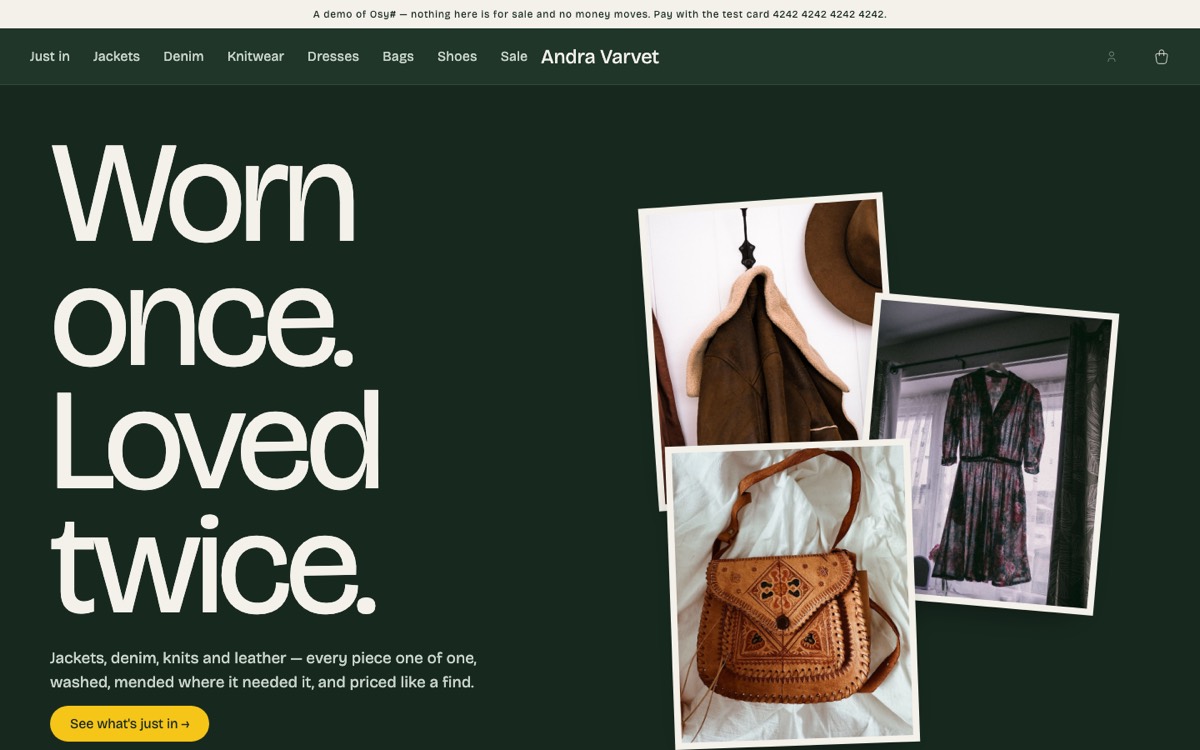
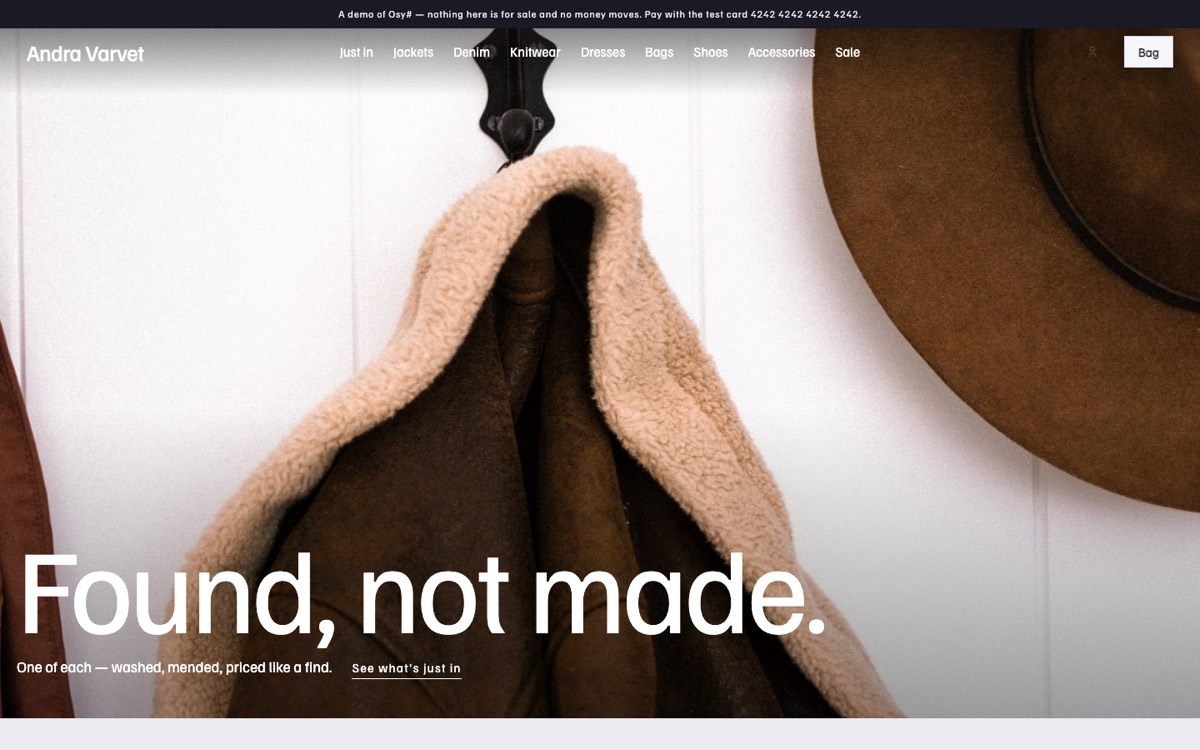
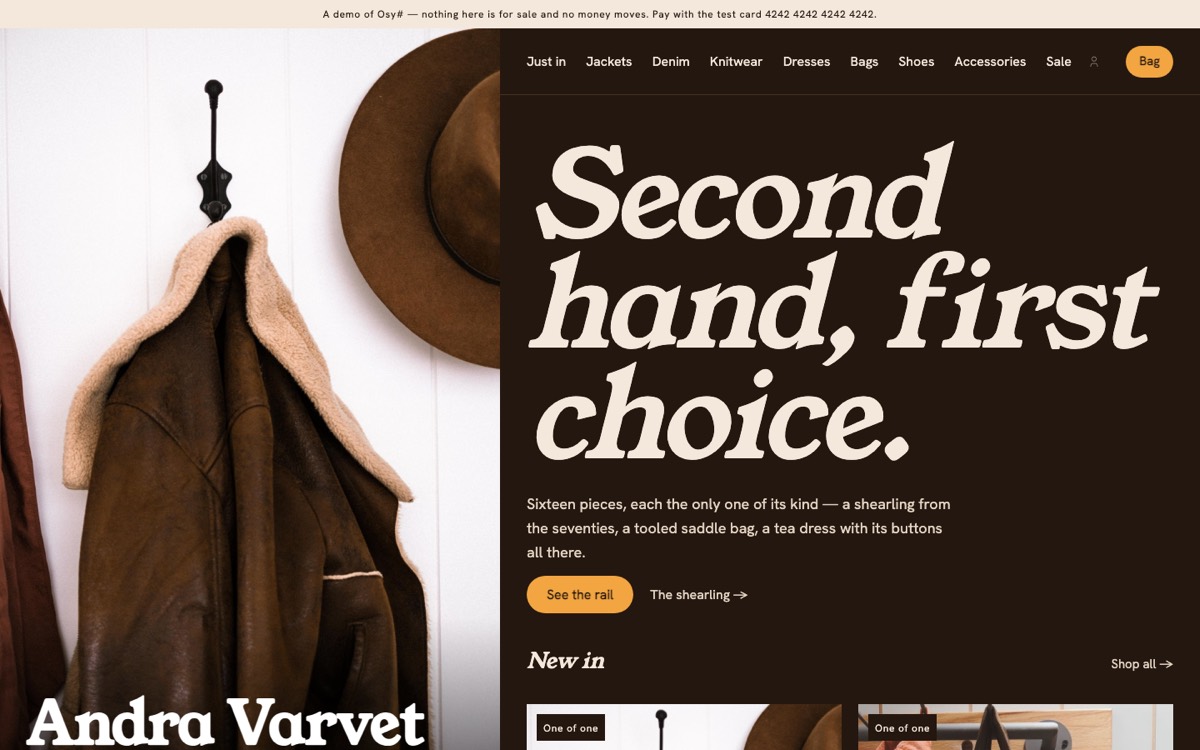
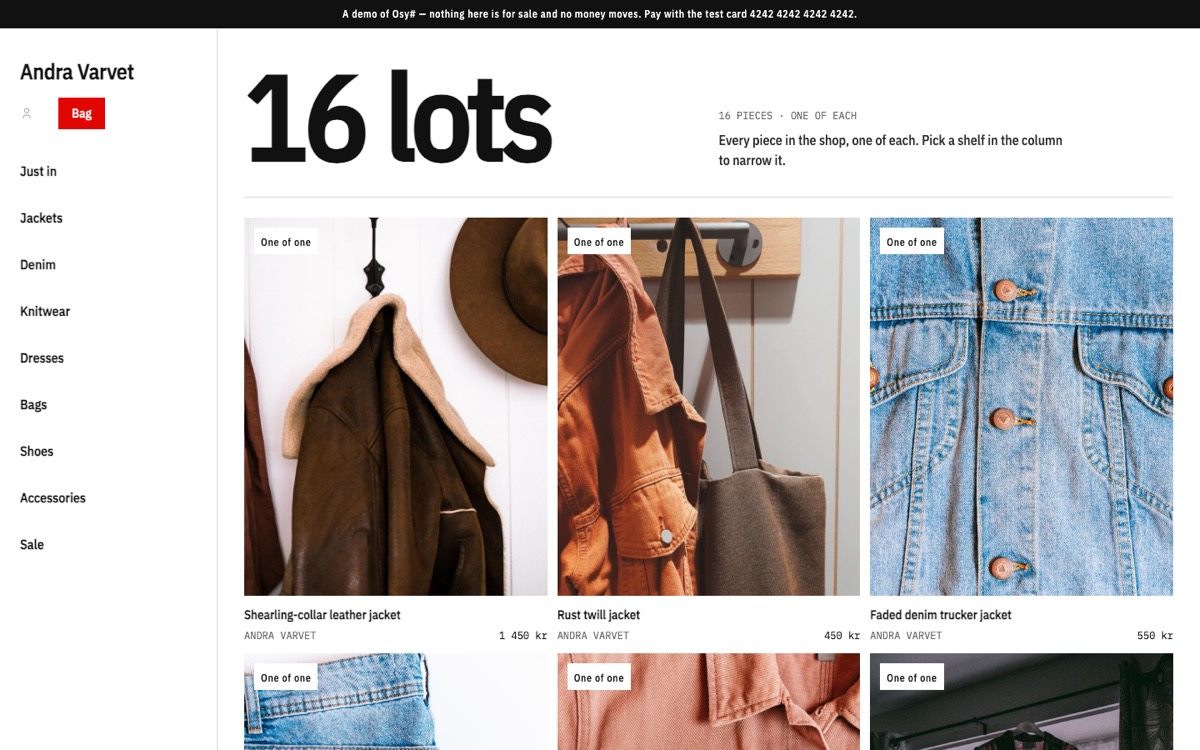
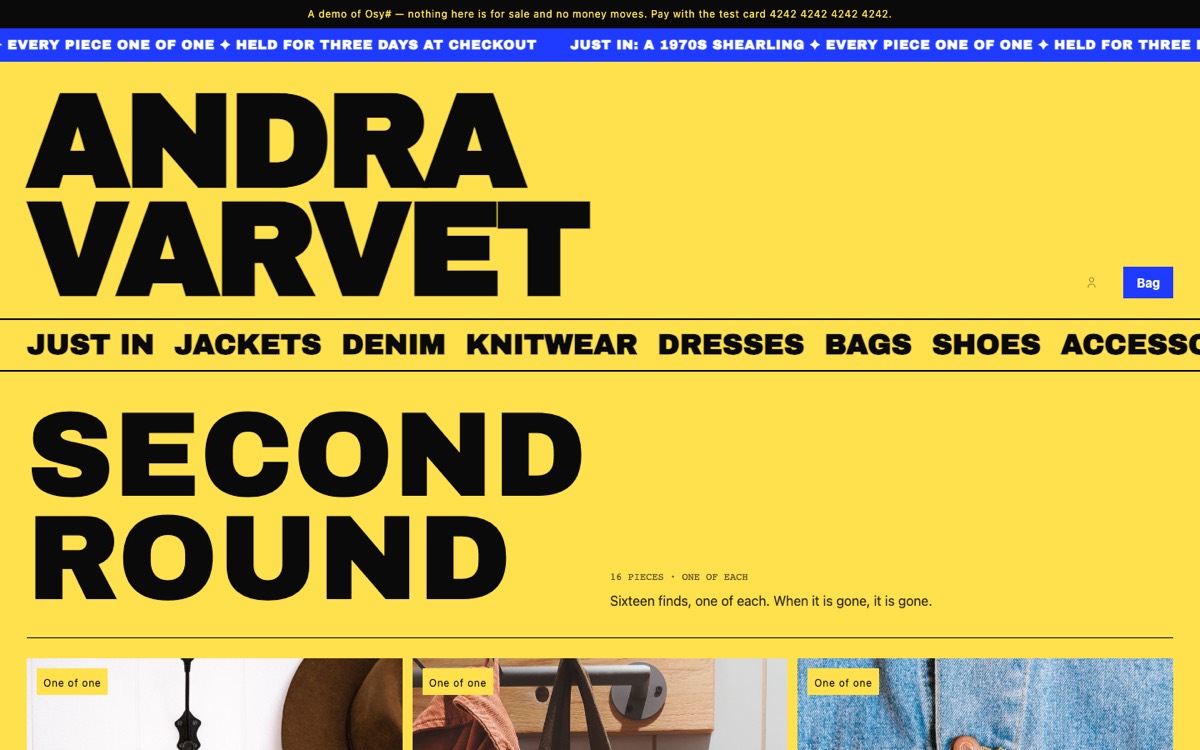
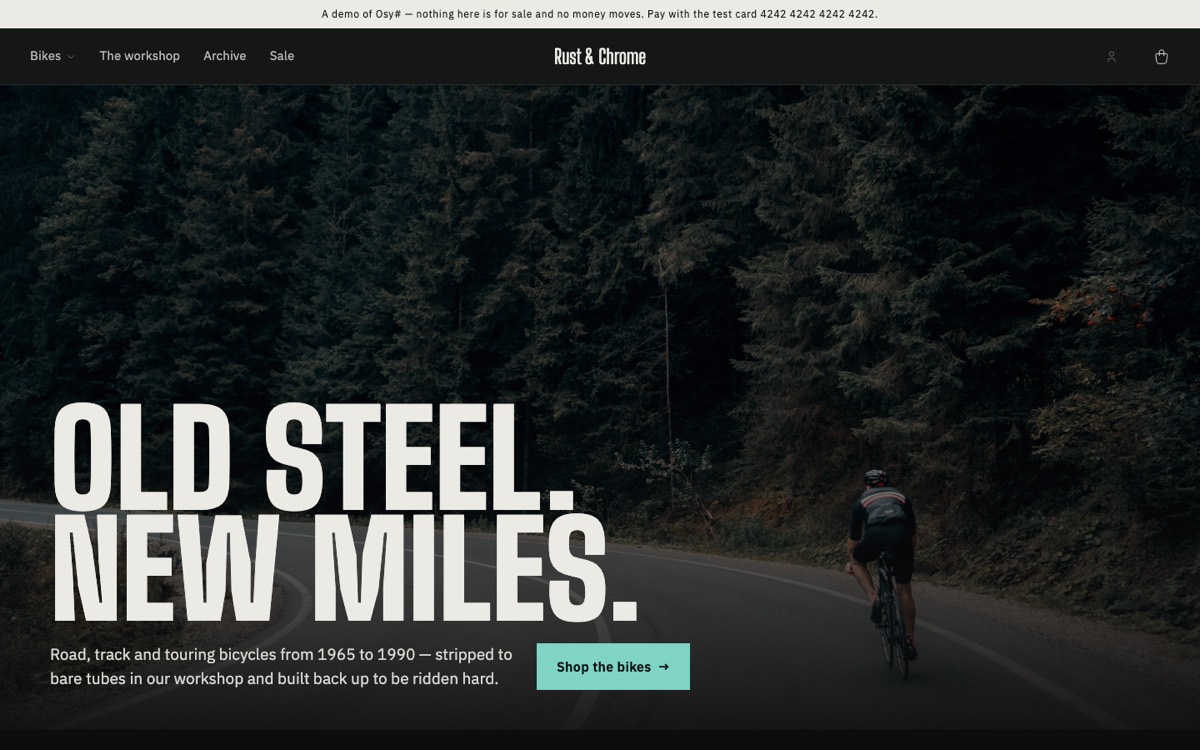
Ten of them are looks: a whole design each — the frame, the pages, the theme and fonts — installed beside the others. Staff switch the store’s look per version of the site in the back office, drafted and previewed first; orders, stock and every word staff placed stay put. They are also the worked example of building a look of your own.
Osysharp.Shop.LooksOsysharp.Site.LooksSwitching a version’s look
- Changes
- The frame and every page, each block’s design, the theme, the fonts.
- Stays
- Orders, stock, customers — and every word and photograph staff placed, the menu, the strip and the footer: they are kept as the block’s type and its values, so the new look redraws them.
A block type the new look has no design for is drawn in the shop’s plain design. A block only the old look had waits in the arrangement — the back office lists it before the switch, and it comes back with that look.
Make your own look
- Start a kit in your own namespace whose
package.osyuses the site and shop contracts. - Declare
look Linen { … }and its theme: palette, type, corners. - Draw the 7 parts of a store — the frame, the front page, a listing, a piece’s page — and the block types you want in your own hand.
- Ship its fonts with
osy font add; add blocks only your look has. - Install it in your store, photograph every page with
osy test --pixels, and pick it in the back office.
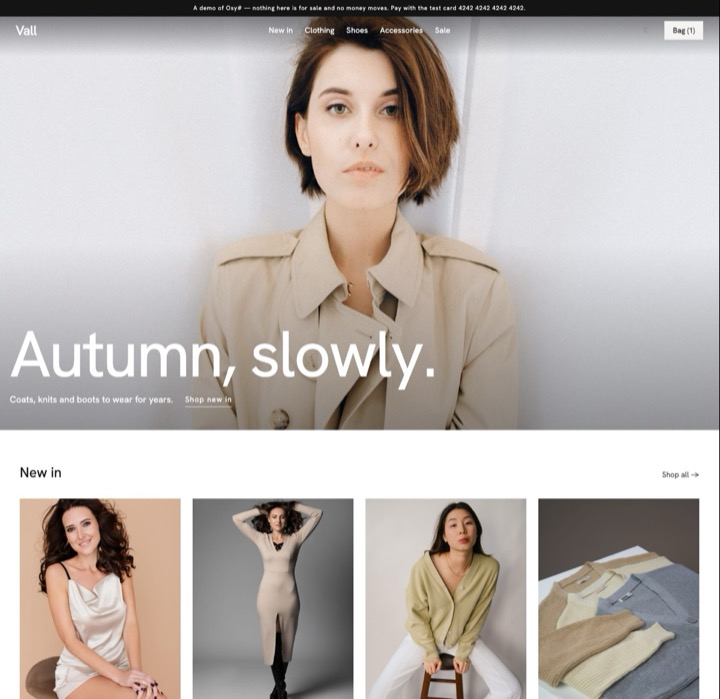 Atelierthe gallery wallVall
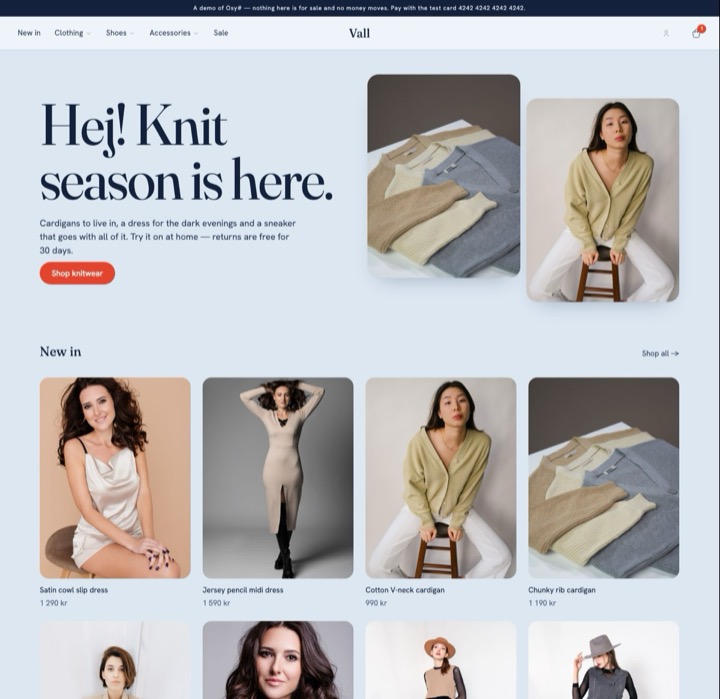 Boutiquethe boutiqueVall
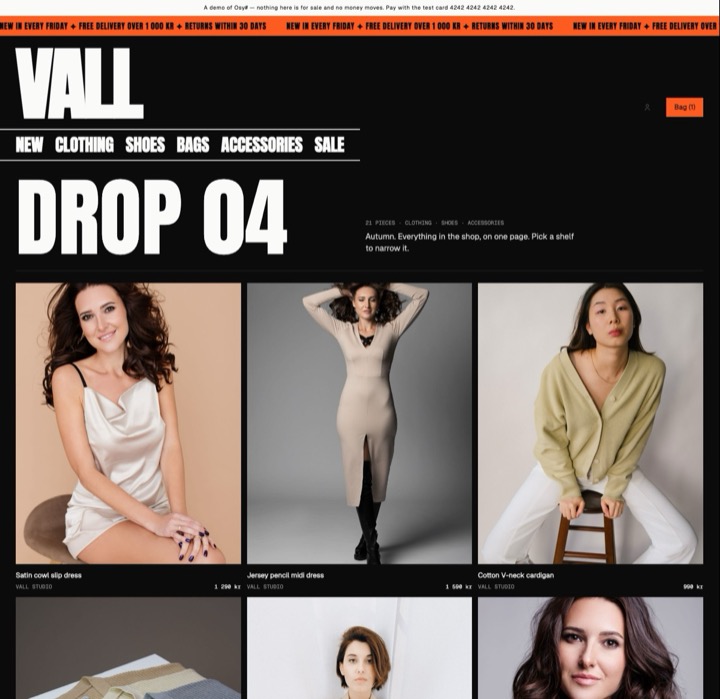 Dropthe dropVall · own block: Every piece
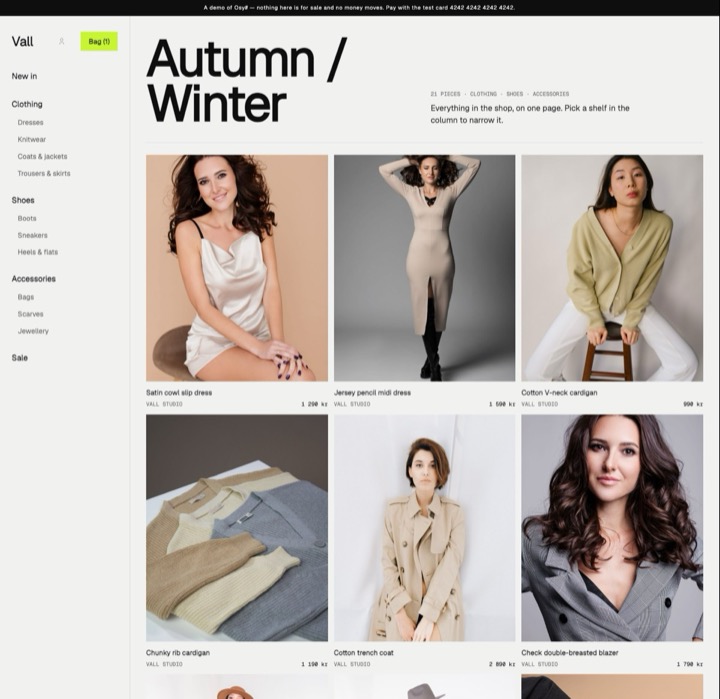 Indexthe indexVall · own block: Every piece
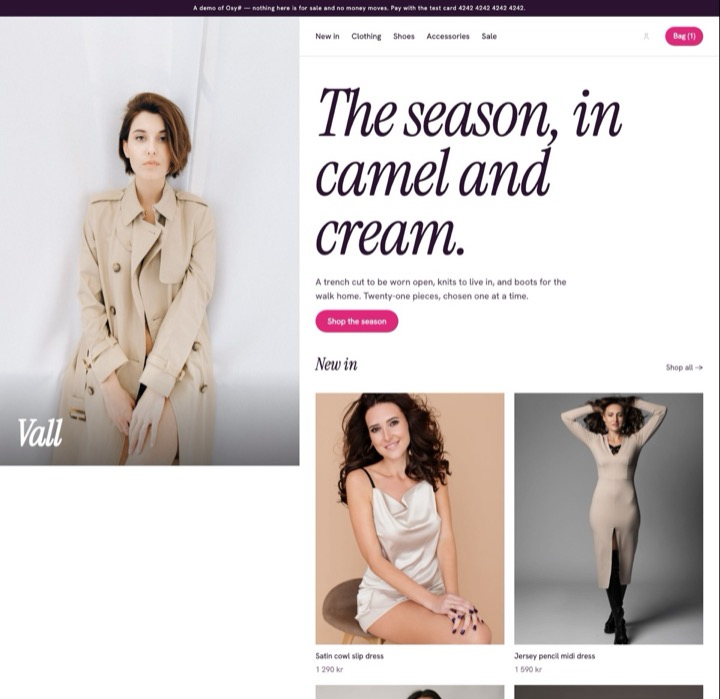 Studiothe showroomVall
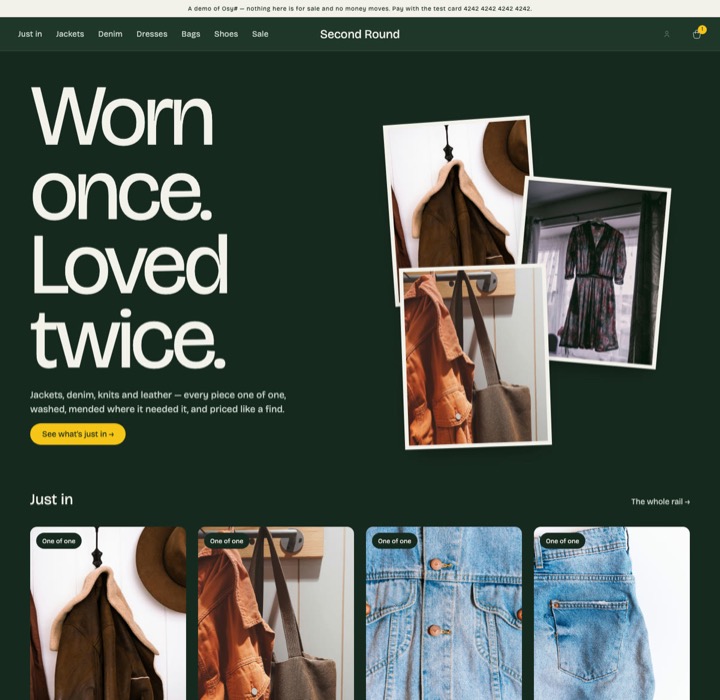 Railthe railSecond Round · own block: How a piece gets here
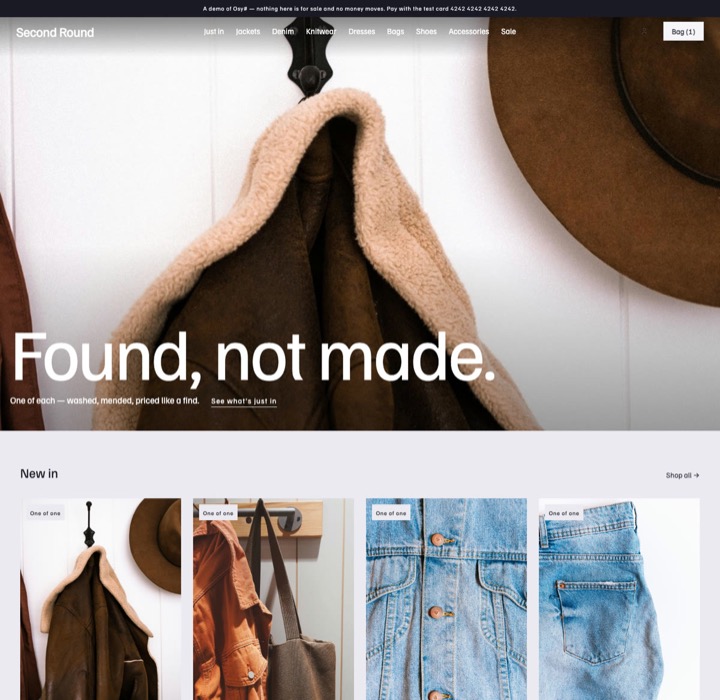 Kioskthe kioskSecond Round
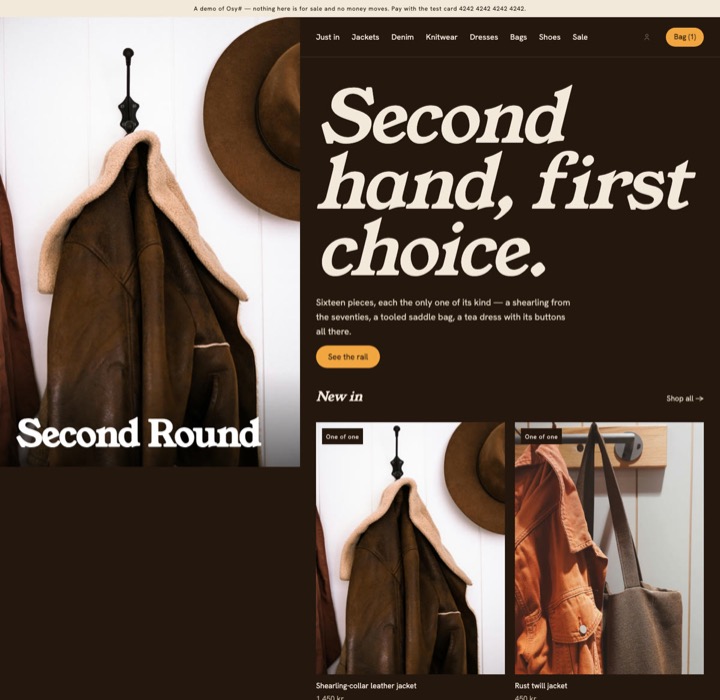 Fittingthe fitting roomSecond Round
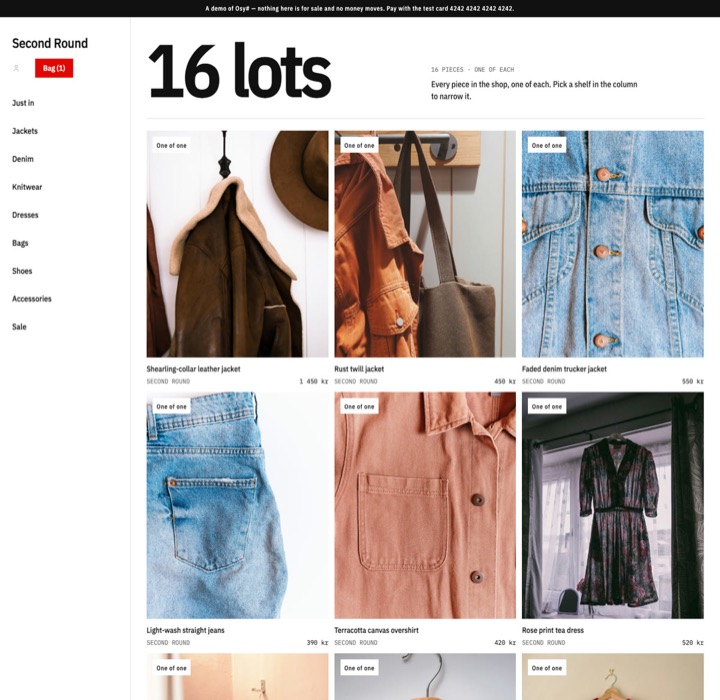 Swapthe swap sheetSecond Round · own block: Every piece
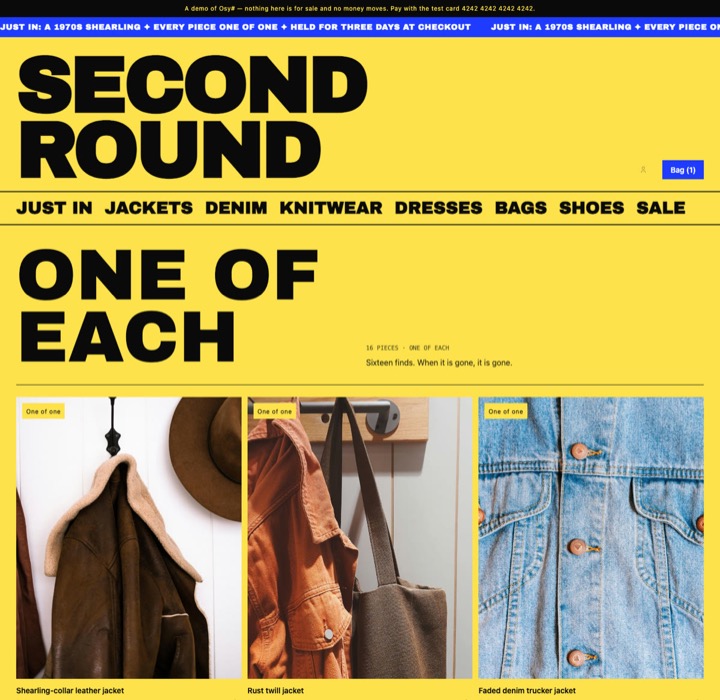 LoudloudSecond Round · own block: Every piece
Get the code
Three commands to a running shop.
Create it
osy init shop --style atelierYour own project: the pages and theme of the look you chose, sample products with their photographs, and the shop backend pinned as a dependency.
Run it
osy launchA local platform starts on your machine, compiles the shop and opens it in your browser. No account and no cloud.
Fill it
osy user add [email protected] --role Staff
osy import
Add yourself as staff and load the sample products. From then on the back office is where you add, price and photograph your own.
What’s inside
Everything a shop needs to take real orders.
- 124 features
- 18 areas
- 12 integrations
- 608 tests
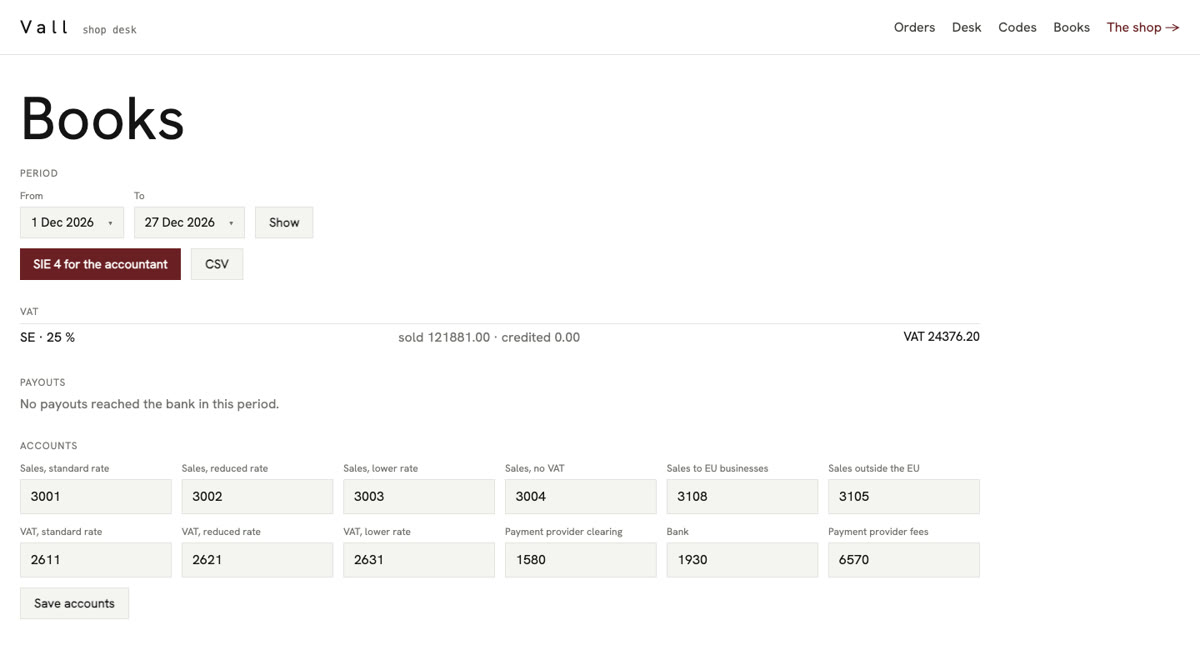
Catalogue · accounts · checkout · discount codes · payments · orders · delivery · returns and refunds · invoices and VAT · the books · stock and figures · the back office · customers’ data
Integrated with Stripe, Klarna, Sendcloud, Shippo, PostNord, Resend, VIES and your accounting (CSV or SIE 4) — or a provider of your own.
For your staff
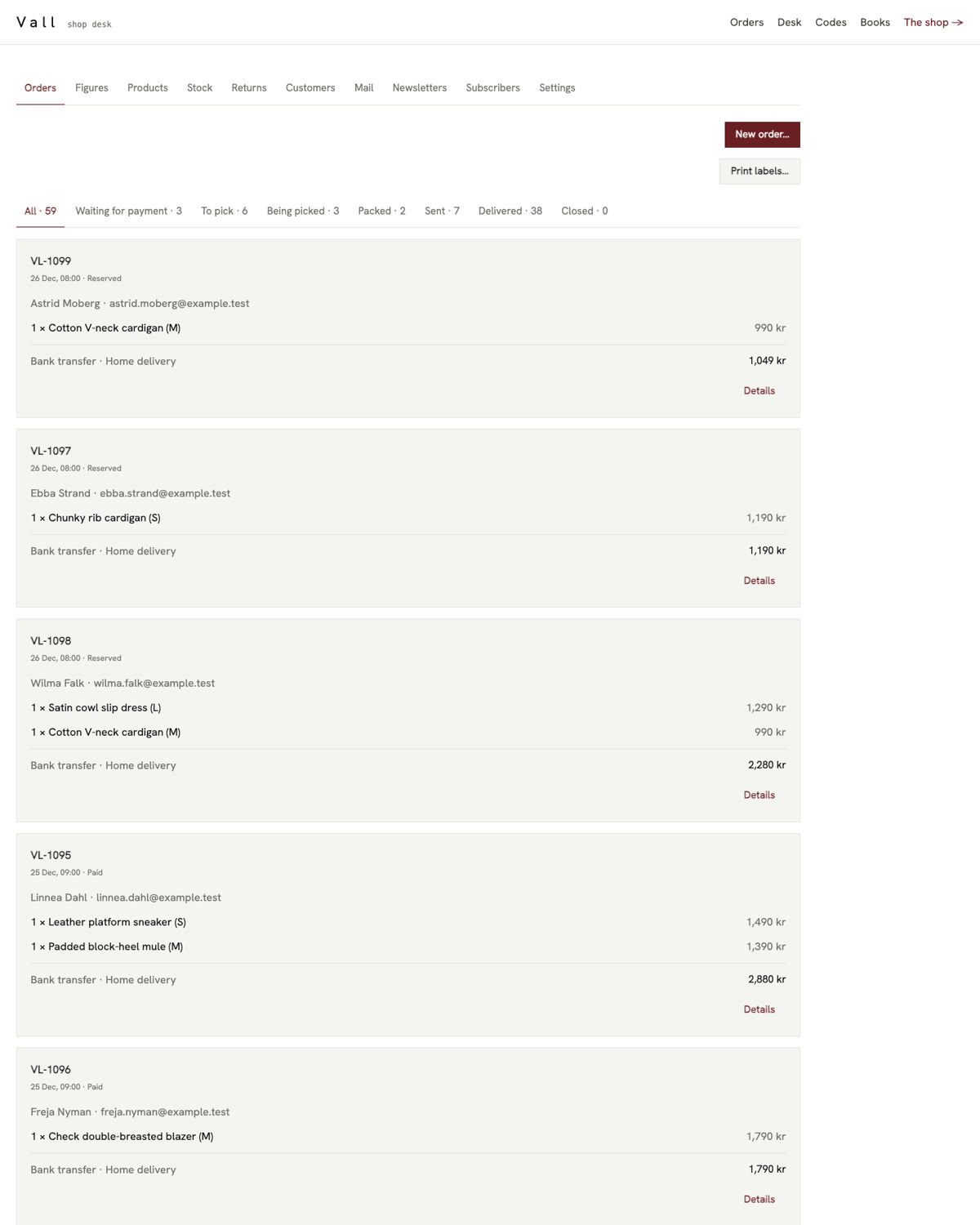
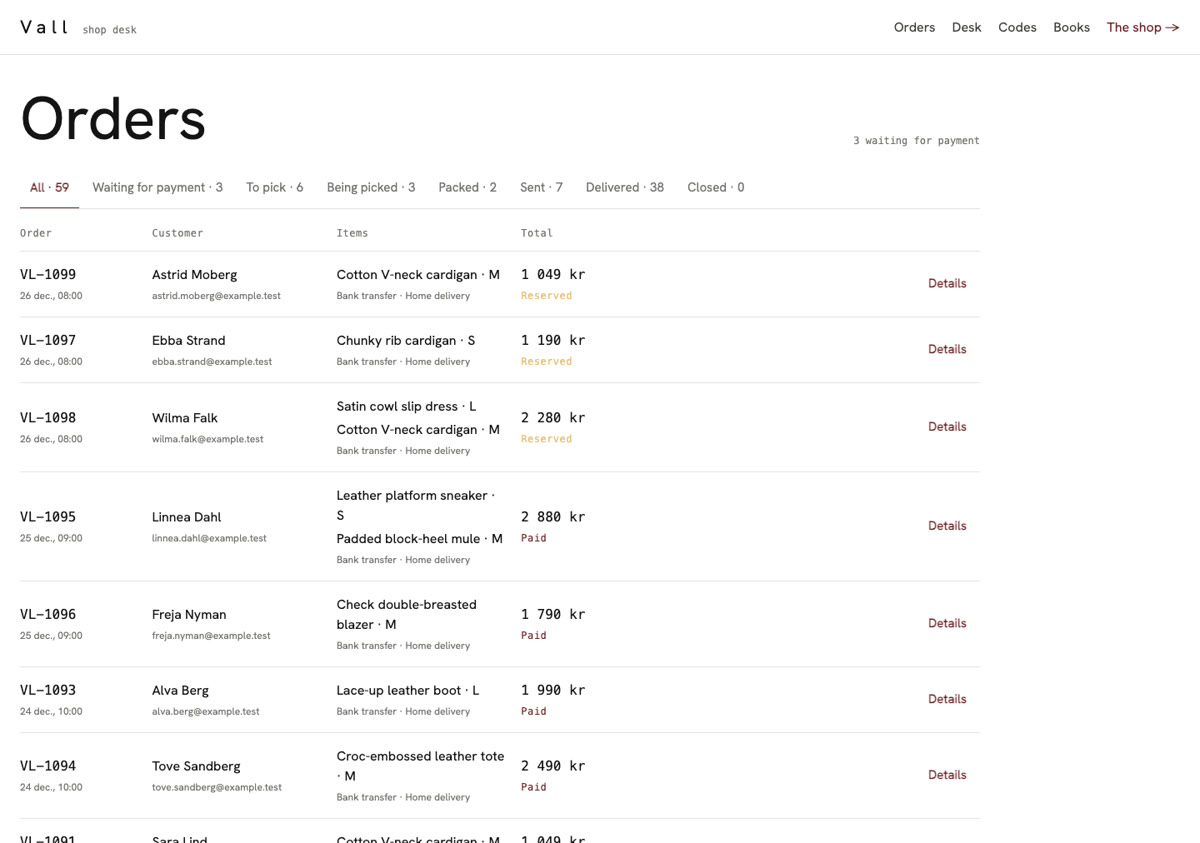
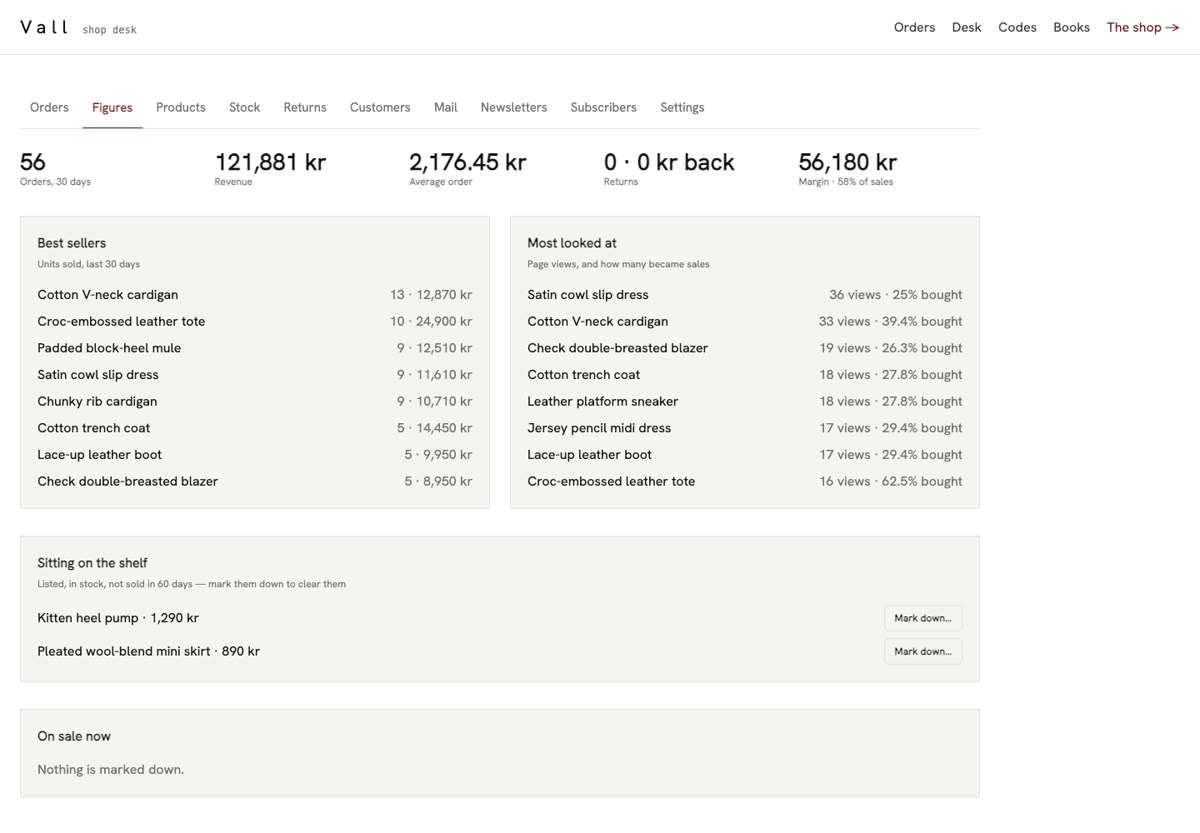
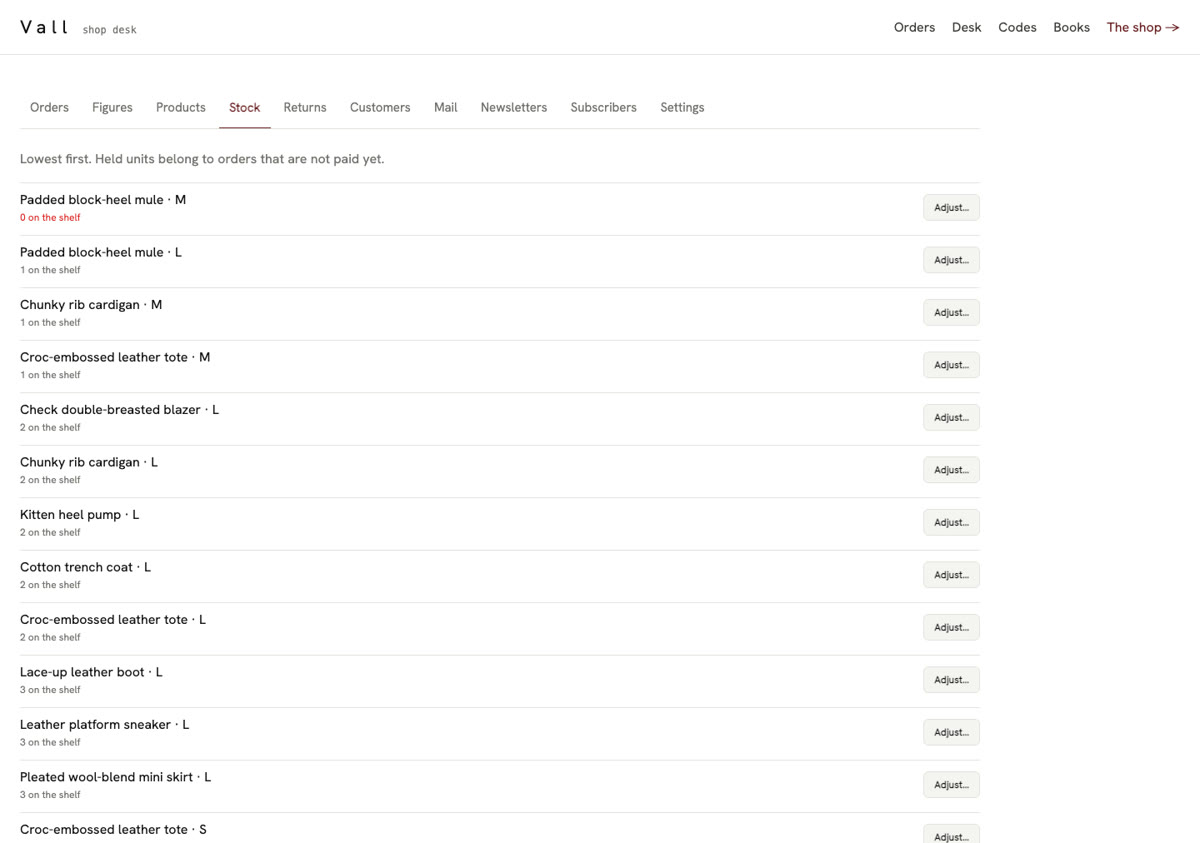
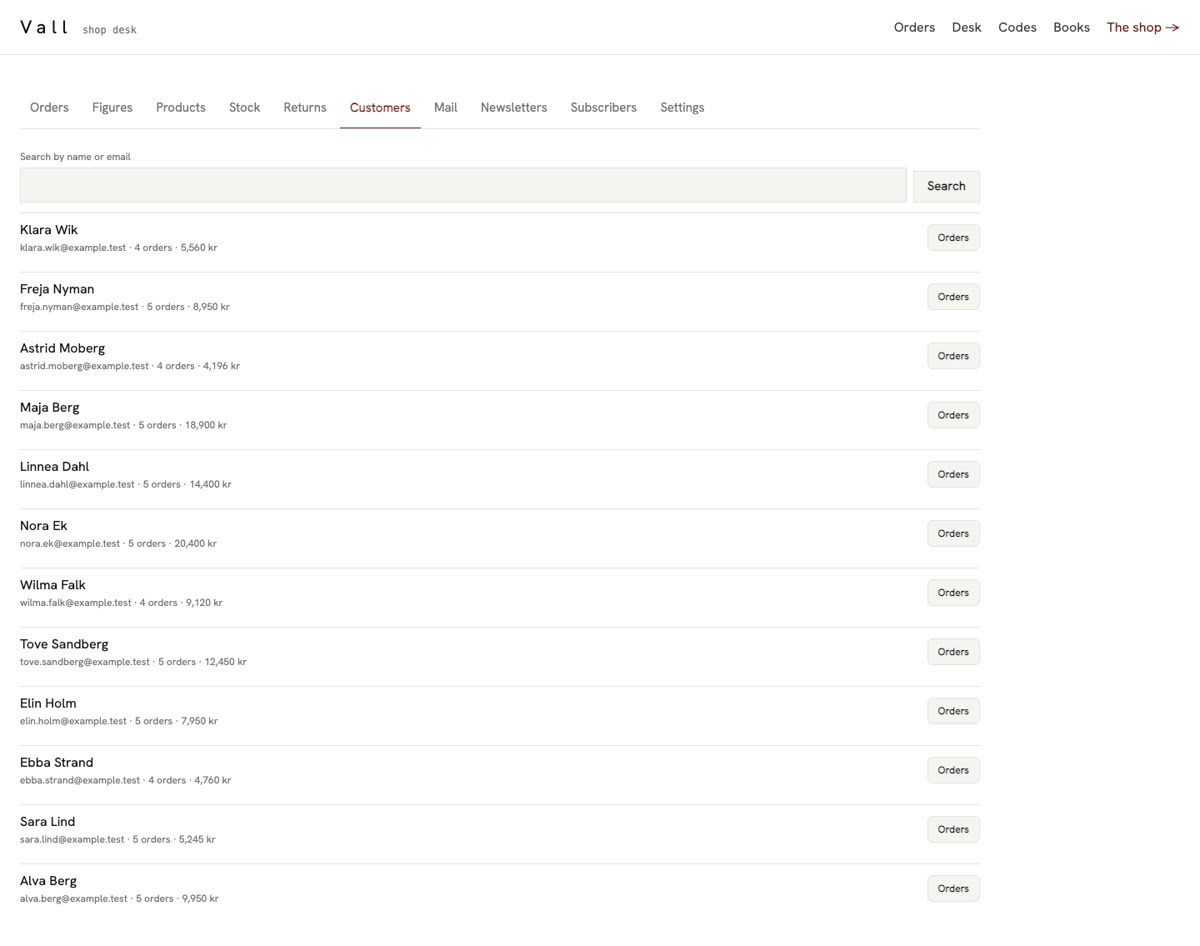
The back office is as finished as the storefront.
How it works
A tested backend underneath. Your shop on top.
- The shop backend is a package
- The logic every shop shares — the order’s life, stock that cannot be sold twice, refunds that go back to the card once — lives in one package with its own tests. You depend on it, and a fix to it reaches your shop with an update.
- The look is yours, in full
- Pages, theme, fonts and words are ordinary source in your project. Change a colour token and every page follows; rewrite a page and nothing else moves. Five shells to start from — storefront, editorial, split, catalogue and marquee.
- The data is yours
- Products, photographs, customers and orders are rows in your application’s own database, and product photographs are stored by the application itself — nothing is hot-linked from anywhere.
- Security is declared once
- Who may read an order, change stock or see a customer’s address is written on the data itself, and every page, function and export obeys it. A visitor never sees a draft or another customer’s order.
- Extend it without forking
- What you sell is data: a spec sheet per product that staff edit
in the back office. Fields every product of yours has go on a type of your own,
entity Bike : Product. Your pages call the same functions the package’s components do, so a page can be rebuilt from scratch. - Or take it over completely
- When your shop needs to work differently at its core, copy the package’s source into your project and drop the dependency. It is ordinary code with nothing privileged, so it compiles exactly as before — you are off the package, and fully in charge of it.