Use case
An app ships its words in locales/<language>.osy files, and its data — a product's name, a dish's description — in [Translatable] fields. Both change after launch: a button gets new words, a product is added in the source language only, and somebody has to notice what is now missing or out of date in Swedish. This kit is the page where staff do that, without a recompile or a deploy:
- Words — every text the app shows, with where it is and what sits beside it, and what is not translated yet or went stale because its source changed. A word changed here is an override kept as data, so the next compile does not undo it.
- Data — every
[Translatable]value of every row, missing or stale in the language. - Written by staff — words staff write once per language somewhere else in the app (a mail's paragraph), written in some languages and not in others.
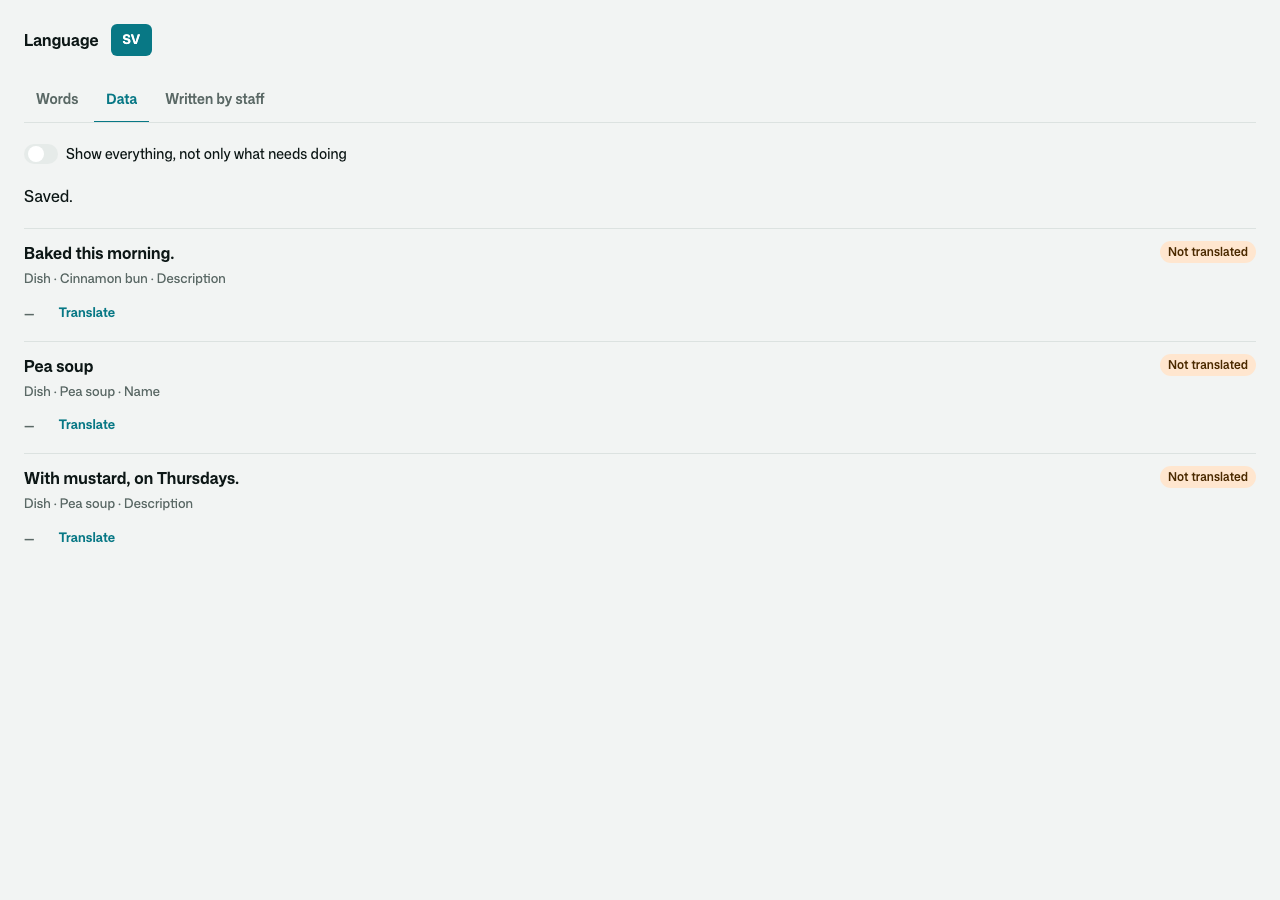
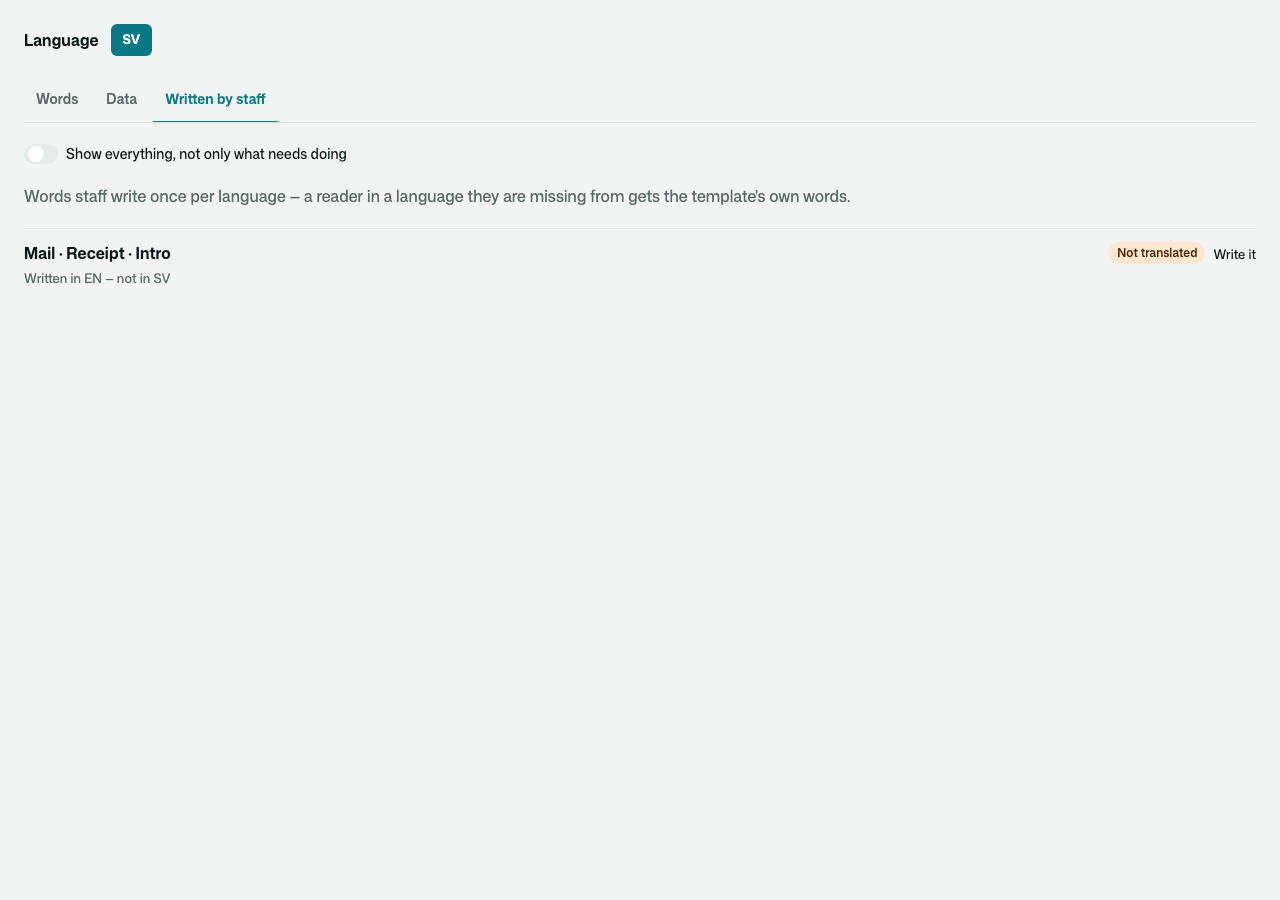
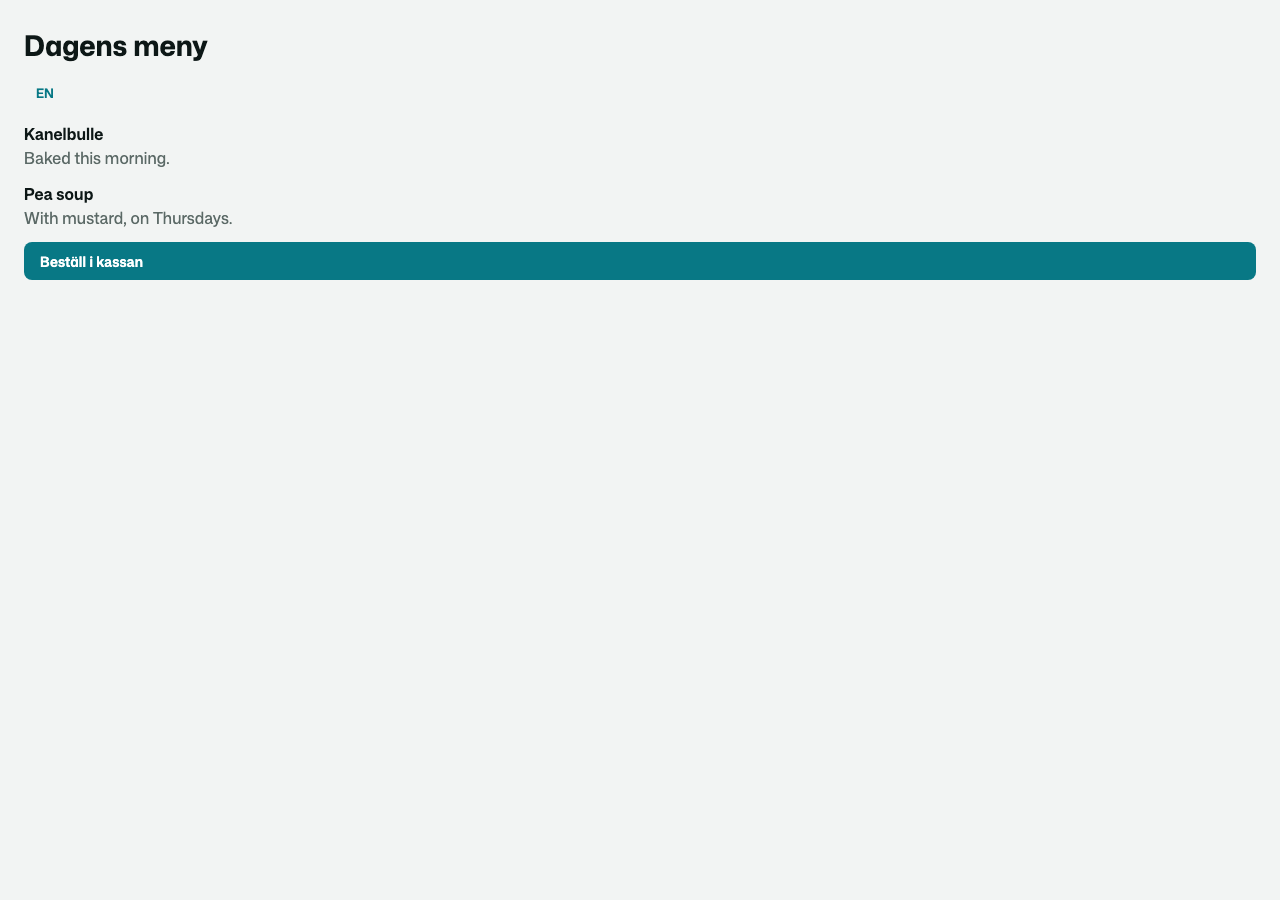
What a Swedish reader then sees — the locale file's words, the desk's override and the translated dish, together:
Install and use
osy
app Cafe {
  use Osysharp.Ui;
  use Osysharp.Translations@0;
  …
}
Say who may translate, with your own roles — until you do, nobody can:
osy
policy EditsTranslations => IsStaff;
Put the desk on a staff page:
osy
using Osysharp.Translations;

[Route("/staff/translations")] [Authorize(IsStaff)]
component StaffTranslations() { render { TranslationsDesk(); } }
If staff write words per language elsewhere in the app, list those places so the desk can show what is missing:
osy
app.Translations = new TranslationsSetup { Written = [ new MyMailWords() ] }; // each an IWrittenWords
Source and package
- Source:
model/Translations.osy(the overrides, the lists the desk reads,TranslationsSetup) andmodel/ui/Desk.osy(TranslationsDesk). - Tests:
tests/— a small café app in English and Swedish;translations-ui.test.osydrives the desk in a browser. - Package:
use Osysharp.Translations@0;—osy lockfetches the release archive from this repository's releases.
Fork it to build your own desk: copy the folder into your app's kits/, keep the package name or change it, and your app resolves it from there.
Get it
Add the kit to your app’s manifest:
osy
app MyApp {
  use Osysharp.Translations@0;
}
Then run osy lock: it downloads the release, verifies it by its content address and pins that version in osyrin.lock. osy kits Osysharp.Translations shows what the kit is for, from inside your app.
Reference: osy docs i18n-desk.