Thinking orbs — small dotted 3D spheres that say what a wait is for, instead of a spinner that only says "wait". Nine hand-tuned animations — searching, composing, translating, connecting… — at two sizes, drawn in your theme's own ink, so they belong to the page in light and dark alike.
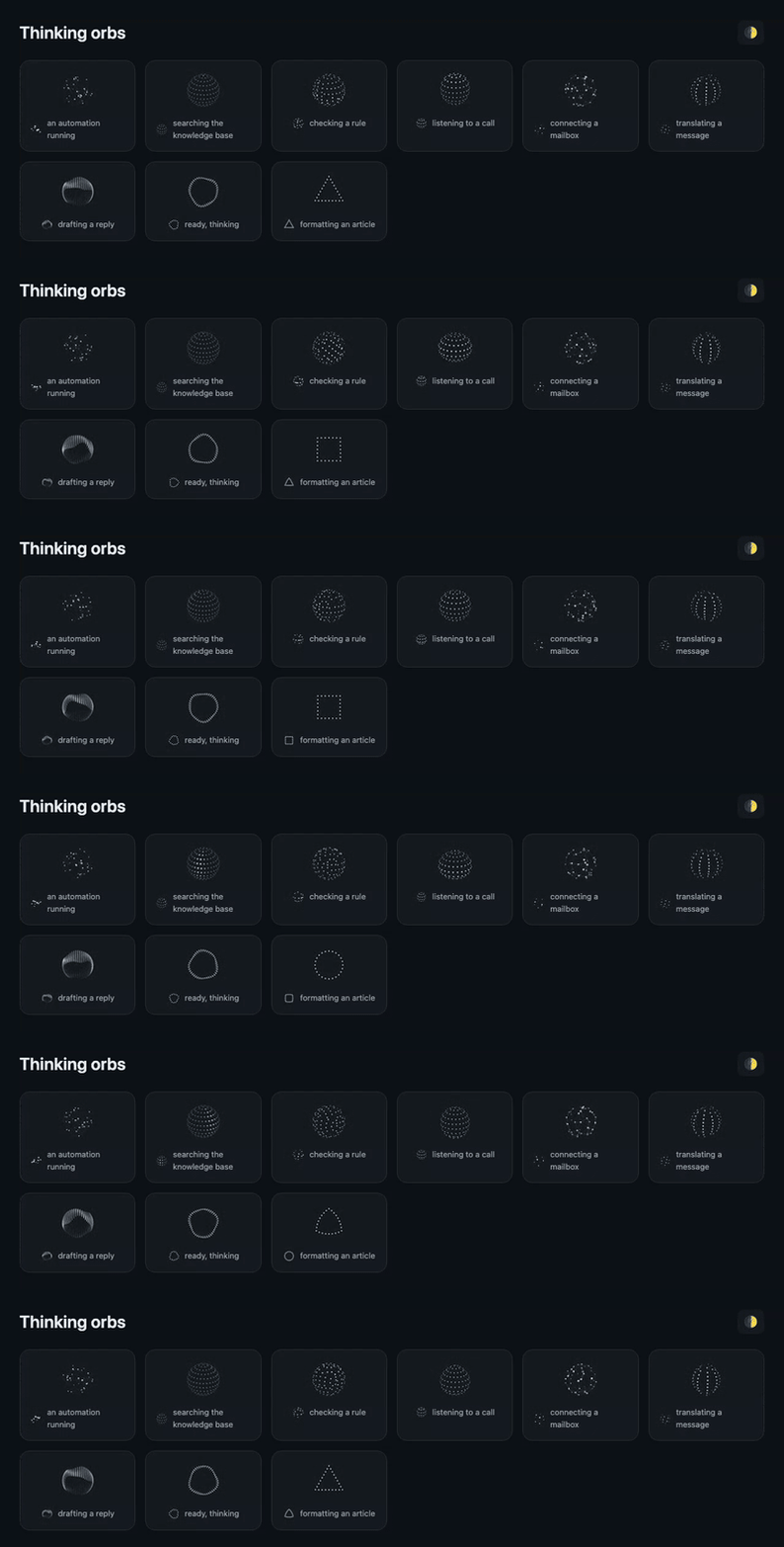
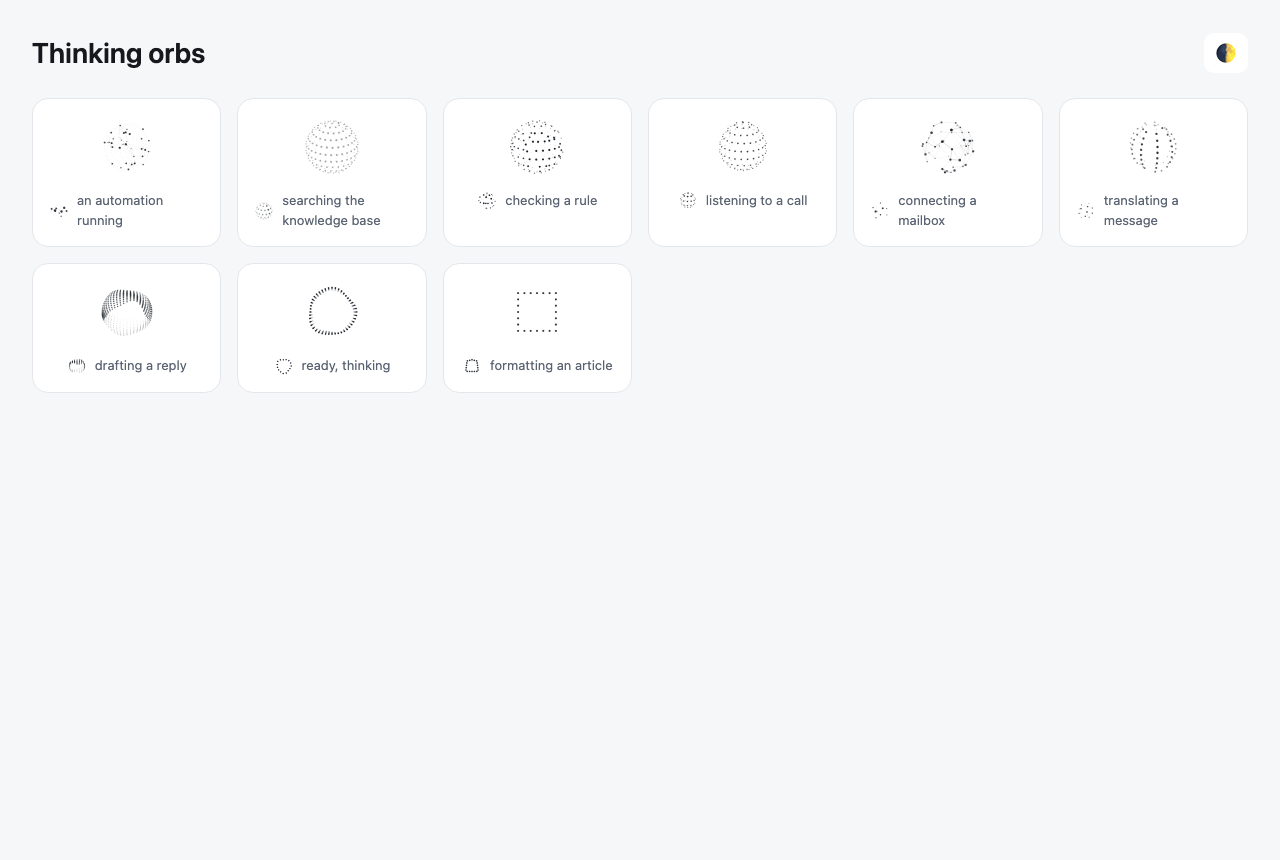
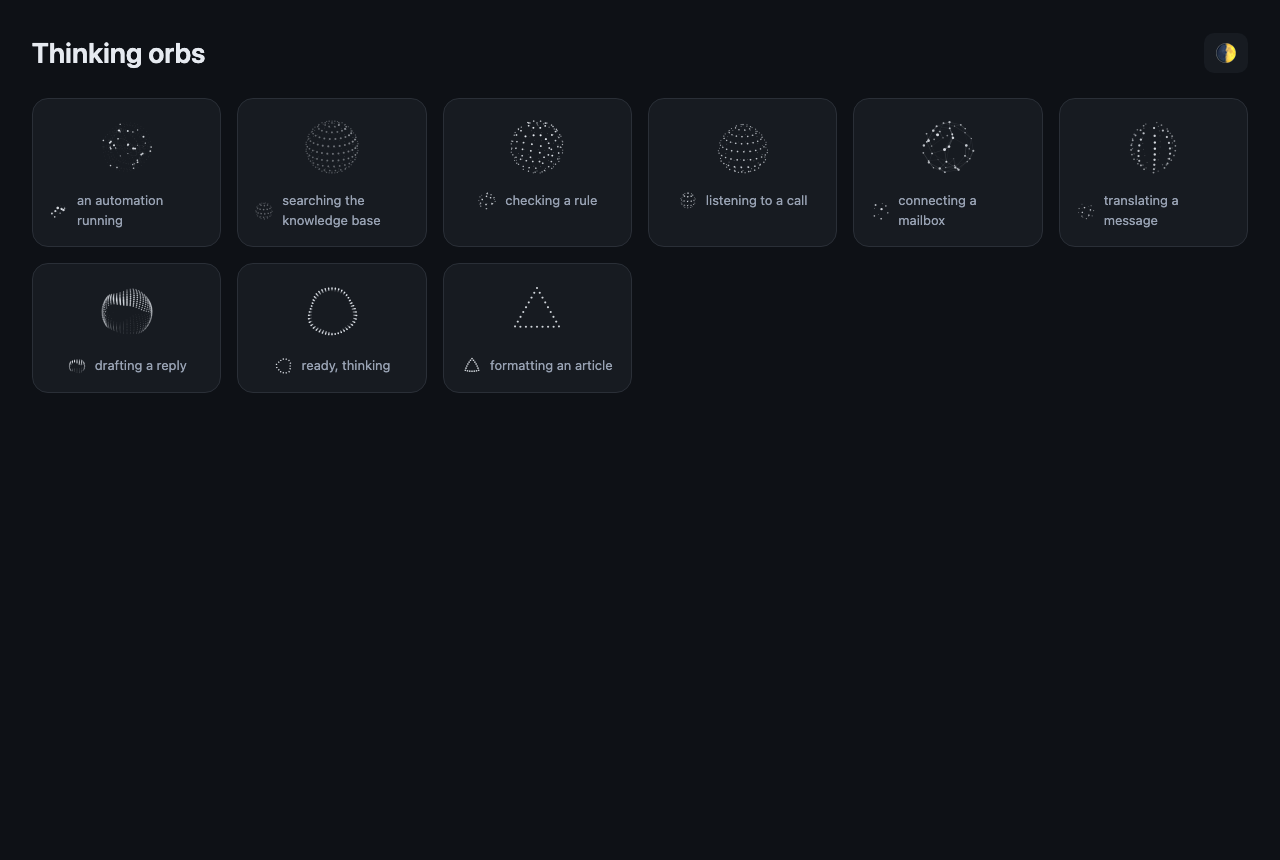
A port of thinking-orbs by Jakub Antalik (MIT — see LICENSE) to pure Osy#: a Canvas, an on frame body and Draw.*. No JavaScript bundle, nothing to load, and the geometry is the original's, checked number for number against its own golden vectors.
Use it
osy
app Desk {
  use Osysharp.Orbs@0;
  model "model/**/*.osy";
}
osy
using Osysharp.Orbs;

Orb(OrbState.Searching)                                            // 64px, "Searching…"
Orb(OrbState.Composing, size: OrbSize.Inline, label: "Drafting a reply…")   // 20px, in a line of text
Orb(OrbState.Connecting, paused: true)                             // hold still on the current frame
| state | what it draws | a wait it names |
|---|---|---|
Working | particles on tilted orbits | an automation or a process running |
Searching | a scan meridian sweeps a dotted globe | a search, similar tickets, the knowledge base |
Solving | bands scramble in quarter turns, then click back | a check or a rule being evaluated |
Listening | a waveform rolls through latitude rings | voice |
Connecting | a constellation wires itself | a mailbox, a channel, another service |
Weaving | three strands plait around the sphere | translating |
Composing | an undulating multi-band sash | writing a draft |
Breathing | a face-on ring slowly morphing | idle, ready, thinking |
Shaping | a dotted outline: circle → triangle → square | building or formatting something |
Sizes — OrbSize.Avatar (64px, beside a name or in a panel) and OrbSize.Inline (20px, in text or a button). They are separate designs, not a scale: each has its own dot count, dot size and speed.
When — for a wait the reader can see the reason of, longer than about 400ms. For anything shorter show nothing: a spinner that flashes for a fifth of a second is worse than none.
What it keeps from the original
- Theme — dots are drawn in
Colors.OnSurfaceat the depth-mapped strength the original uses, so an orb is dark ink on a light page and light ink on a dark one, and follows a mode switch on the next frame. A re-themed app's orb is drawn in that app's ink. - Reduced motion — one still, representative frame (the original's), redrawn only when the theme changes.
- No work unseen — an orb scrolled out of view, or in a hidden tab, runs no frames.
- Sharp — drawn at twice the pixel density (
Canvas(density: 2)). - Named — each state has its own label ("Searching…", "Thinking…" for Breathing), announced by a screen reader and read by a test:
Assert.Visible("Searching…"). Passlabel:to say what is being waited for.
Tests
tests/ — golden.test.osy (generated by gen_golden.py from the original's spec/orbs-golden.json) checks every state at both sizes at two instants: dot and line counts, five dots spread through the draw order, and the far and near ends of the z-sort, to 1e-4. orbs.test.osy checks every state is announced and photographs the gallery (osy test --pixels).
Get it
Add the kit to your app’s manifest:
osy
app MyApp {
  use Osysharp.Orbs@0;
}
Then run osy lock: it downloads the release, verifies it by its content address and pins that version in osyrin.lock. osy kits Osysharp.Orbs shows what the kit is for, from inside your app.
Reference: osy docs ui-orbs-kit.