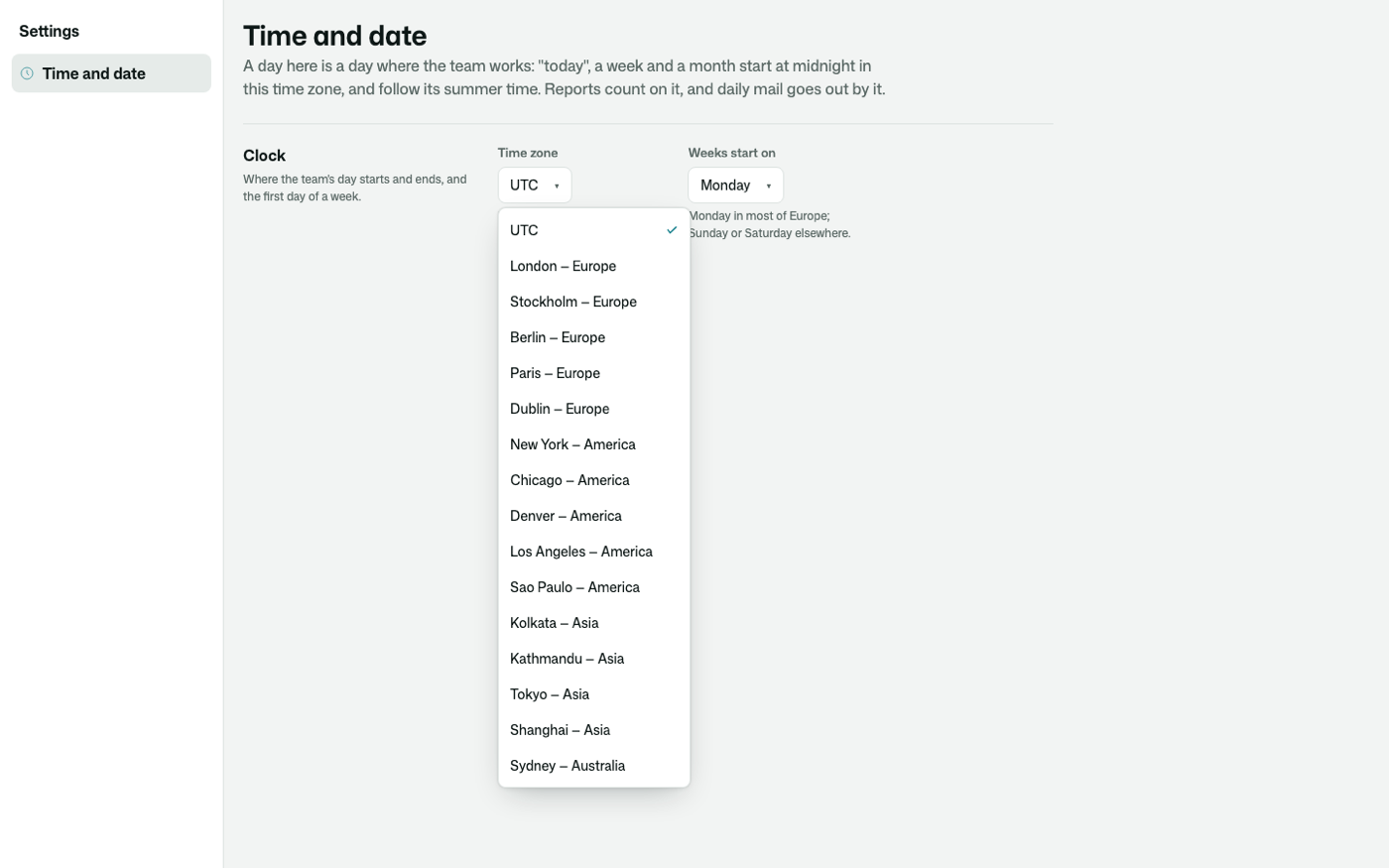
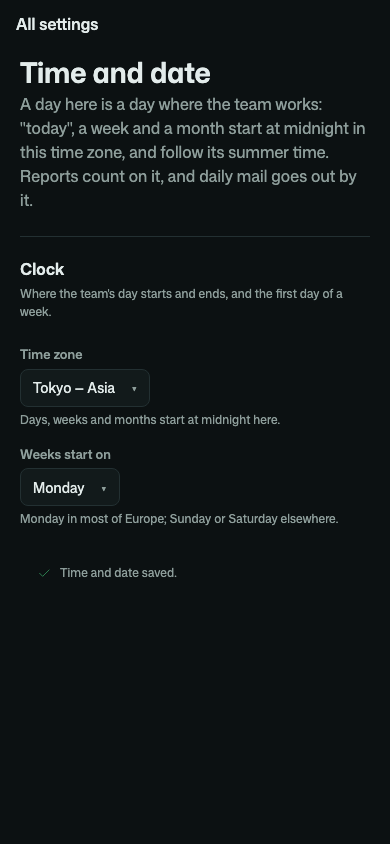
One answer to "what day is it here?" for your whole app. Staff pick the time zone the team's days start in, and the day a week starts, from a list on one settings page. Everything that counts in days reads it: reports start "today", "this week" and "this month" at midnight there, and the daily digest goes out in the team's morning, in summer time as in winter.
osy
use Osysharp.Clock@0;

policy ManagesClock => IsLead;                                         // required unless your app defines IsAdmin (its default)
app.Clock = new ClockSetup { TimeZone = Zone.Of("Europe/Stockholm") };  // optional: the clock until staff pick one

var clock = TheClock();
var today = clock.DayOf(DateTime.UtcNow);          // the date on the team's wall
var since = clock.StartOf(clock.WeekOf(today));    // this week began here, at midnight
| A typed time zone | a Zone, picked from your app's declared zones, never typed. A name that is not a time zone cannot be saved |
| One settings page | Settings › Time and date: the zone and the first day of the week, saved with who changed it, drawn with no page code |
| Every kit on one clock | Osysharp.Reports counts its periods and buckets on it, Osysharp.Notifications sends its digest by it |
| Days that follow summer time | DayOf, StartOf and WeekOf are the date, the midnight and the week start on the team's wall |
| Your zones | the platform's set by default; declare zones { … } in your app to offer exactly the ones your teams work in |
| Read by everybody | the clock is not a secret, so a public page can say "open until 17:00" on it; only ManagesClock changes it |
use Osysharp.Clock@0; needs Osysharp.Ui.
Get it
Add the kit to your app’s manifest:
osy
app MyApp {
  use Osysharp.Clock@0;
}
Then run osy lock: it downloads the release, verifies it by its content address and pins that version in osyrin.lock. osy kits Osysharp.Clock shows what the kit is for, from inside your app.
Reference: osy docs ui-clock-kit.